How it works
Pay for the AI your candidates use in tech challenges.
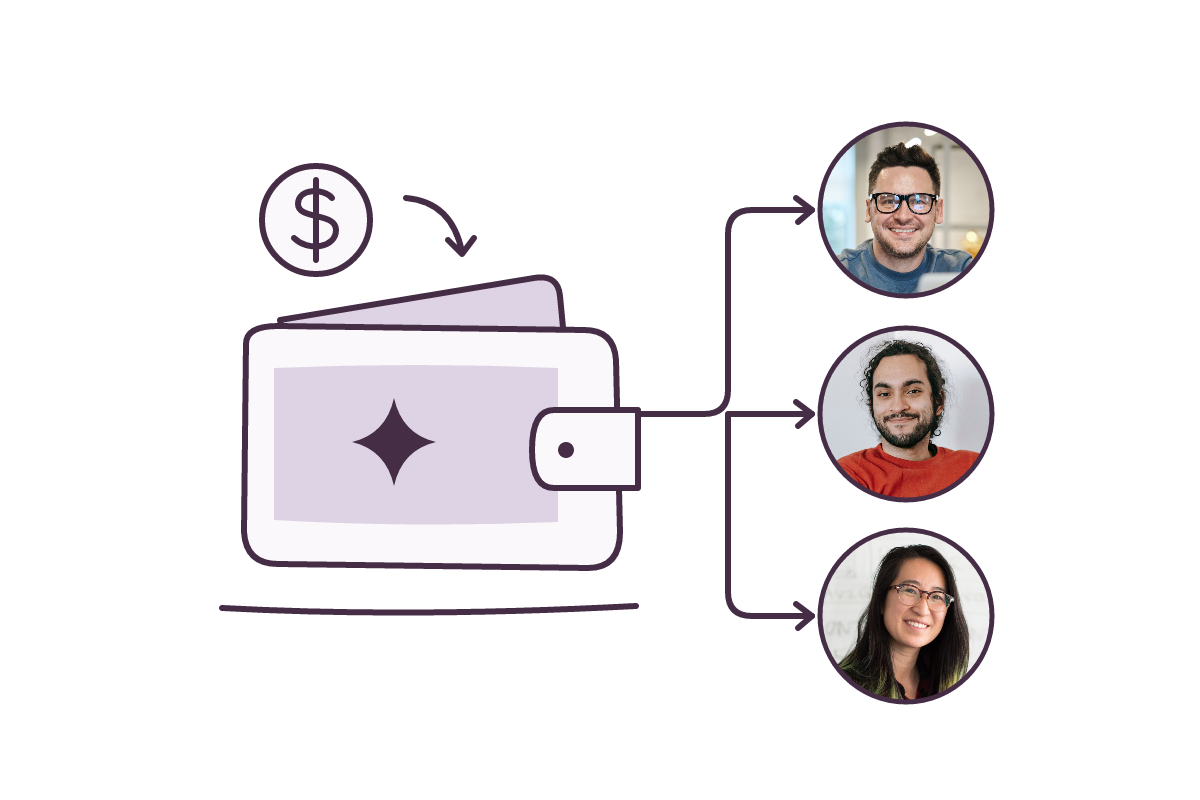
Fund each candidate’s AI wallet and share their individual link so they can connect compatible AI tools to complete their tech assessment.

SUPPORTED AI TOOLS
Let people use the tools that work for them.
Prudixa supports connections with a range of AI coding tools and environments including: Claude Code, Codex, VS Code, Cursor, Copilot CLI, OpenCode, PI, Ohmypi and Cline.
Need a tool that isn't listed? Contact us and we'll review whether it can be supported for your tech assessment.
View plans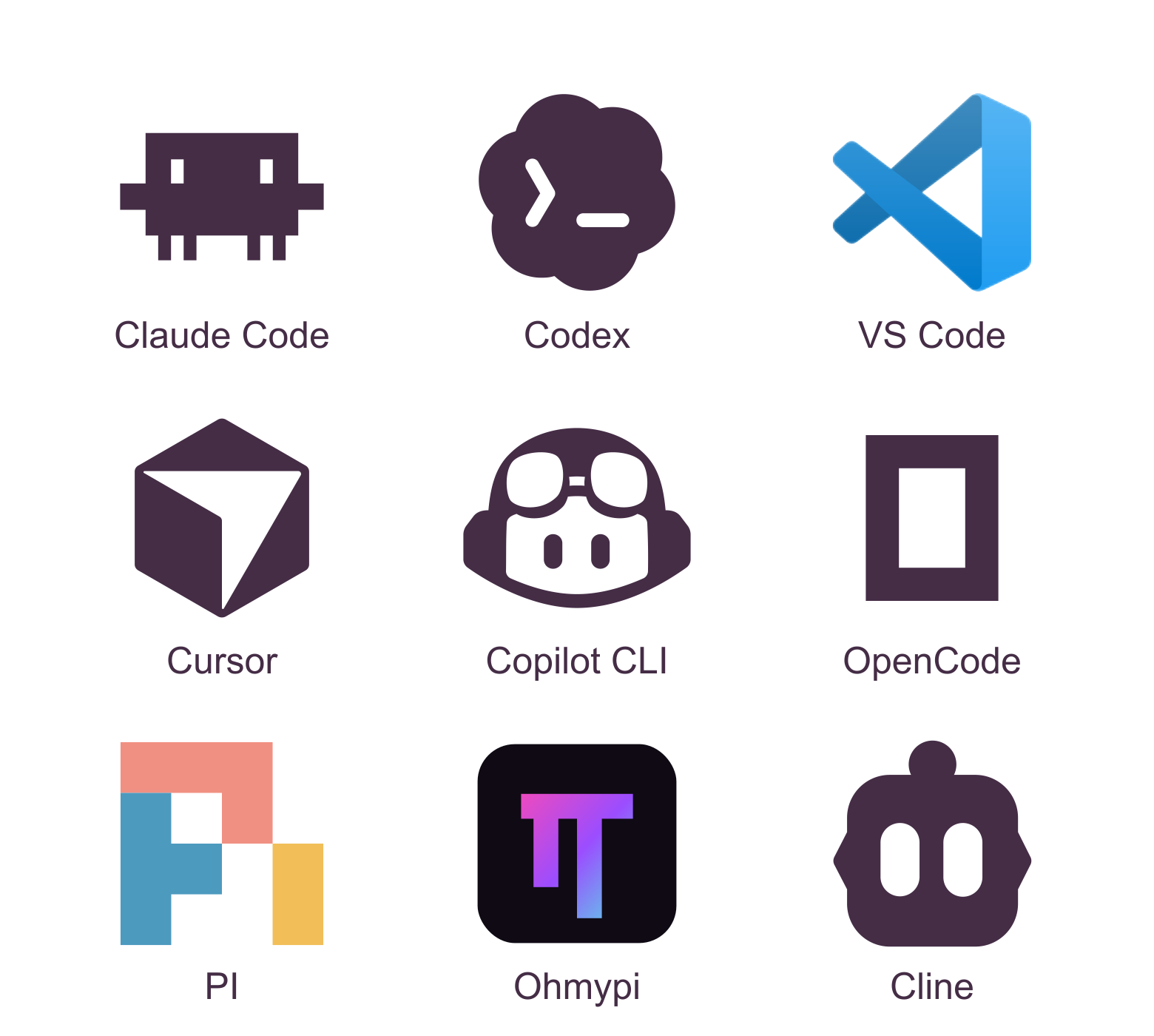
The process
Get candidate AI access sorted in three steps.
Fund candidate wallets
Add money to each candidate’s wallet to cover AI usage during their tech challenge.
Send candidates their links
Share individual wallet links so candidates can use the compatible AI tools of their choice.
See what they can do
Candidates use AI during your tech challenge to show their skills.
THE TEAM AND RECIPIENT EXPERIENCE
You manage the wallets. They put them to work.
FOR TALENT TEAMS
Manage wallets from one place.
View your wallets and available balances in your dashboard.
Fund individual wallets and share a dedicated link with each candidate.

FOR CANDIDATES
Connect your tool. Get started.
Open your wallet link and follow the instructions to connect a compatible AI coding tool.
Use the funding provided by the hiring team for your coding assessment.
FAQ
Questions about how it works
Let candidates show what they can do.
Choose a plan for your team, then fund AI access for overseas candidates without asking them to pay.
View plans